
Guide
Claude Code Remote Control vs SSH
Remote Control is the right default for a quick check-in in the Claude app. SSHHIP gives you a real SSH terminal and PTY to operate arbitrary CLI or TUI programs directly yourself. These are not the same job.
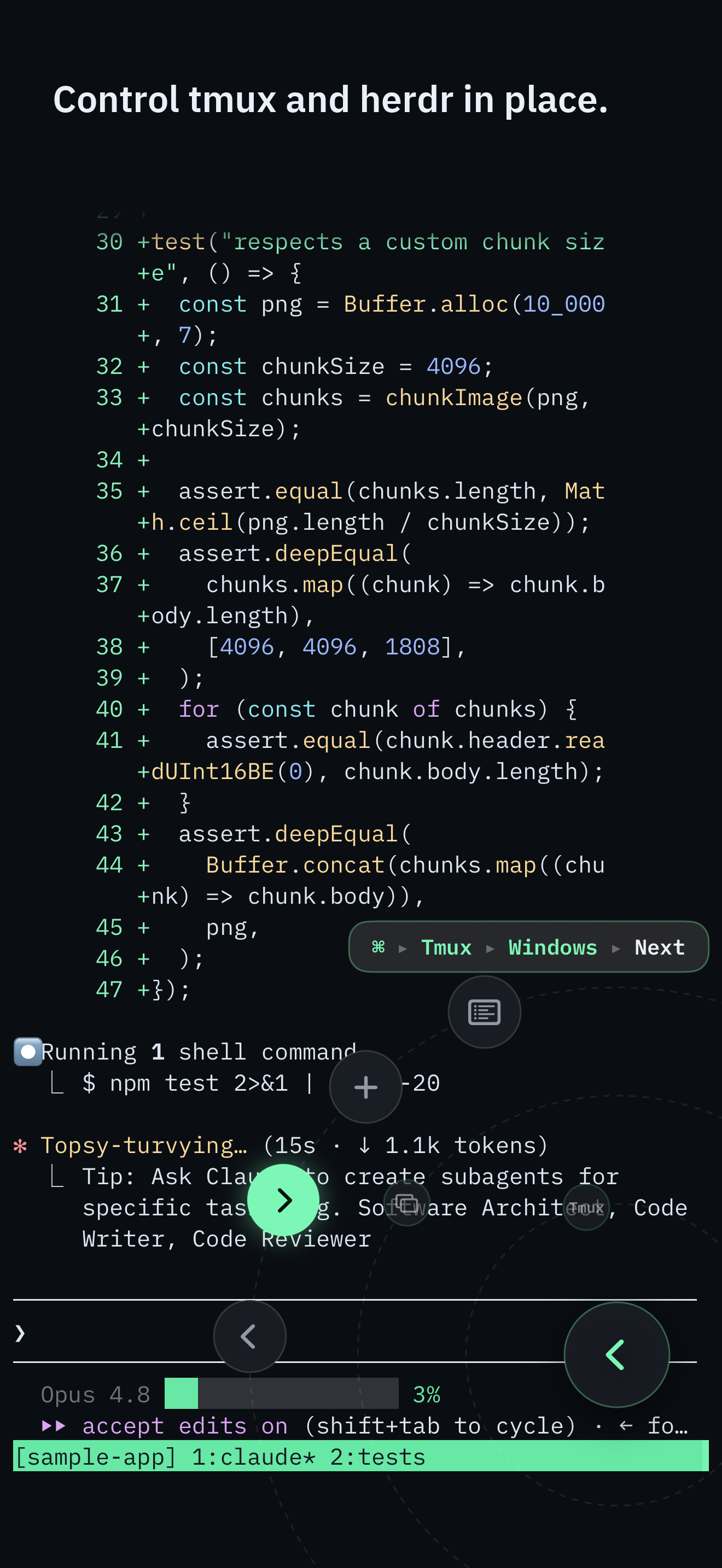
Control surface
Keyboardless control
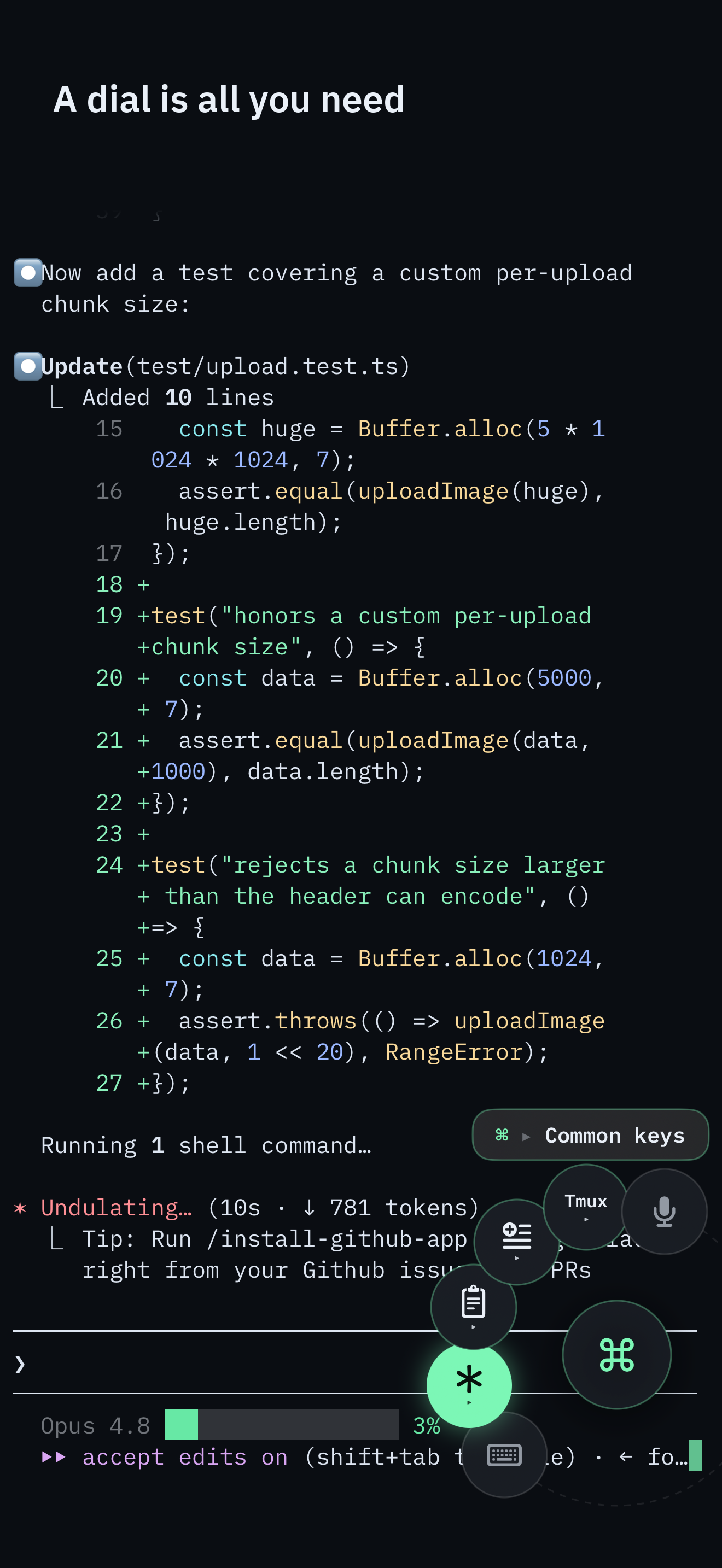
The Command Dial is the whole control surface: multiplexer actions, common keys, pane focus, snippets, voice, and Send Image. The software keyboard appears only when you pick Keyboard.
Typing a long command still needs Keyboard or Voice. The full command palette remains one puck-tap away.
The short split
Use Claude Code Remote Control when you already run Claude Code on a Pro, Max, Team, or Enterprise login and you want to keep talking to that session from the Claude iOS app or claude.ai/code. Use SSHHIP when the phone needs to be a terminal.
The setup for the SSH path is the Claude Code from iPhone guide. This page is only the comparison.
A real PTY lets you operate any CLI or TUI yourself
Remote Control is a chat window into one local Claude Code process. You send messages, attach photos, approve tool calls, and follow subagents. Claude can execute host tools on your behalf through its agentic tool interface, but Remote Control does not give you a PTY for directly operating an arbitrary interactive program. It is not a user-controlled htop, vim, less, Codex, OpenCode, mixed-agent herdr workspace, or plain shell. Anthropic is explicit that unlike Claude Code on the web, execution stays on your machine - and the remote surfaces are a view of that one Claude Code session, not a terminal.
SSHHIP is SSH. The phone opens a real PTY on the host, the same class of session you would have on a laptop. You directly operate any CLI or TUI the host can run. Claude Code is one of those programs, not the only one. That is the headline difference. Multiplexer attach, Send Image, and the Command Dial sit on top of it.
What Remote Control actually is
As of the Anthropic docs fetched 2026-08-14, Remote Control is a research preview. You start it with
claude remote-control, claude --remote-control, or /rc inside an
existing session. The local process keeps running on your machine. Your phone or browser is a window into that
process: scan the QR code into the Claude app, or open the session URL at claude.ai/code.
Traffic still goes through the Anthropic API over TLS. While Remote Control is connected, the session transcript - your messages, Claude's replies, and tool activity - is stored on Anthropic servers so devices can stay in sync. Organizations with Zero Data Retention cannot enable it.
Limits that are in the docs, not invented
- API keys are not supported. Remote Control needs a claude.ai login on Pro, Max, Team, or
Enterprise. Team and Enterprise leave it off until an Owner enables it. Bedrock, Vertex, Foundry, and a
custom
ANTHROPIC_BASE_URLare out. - About ten minutes unreachable. If the machine is awake but cannot reach the network for more
than roughly ten minutes, the session times out and the process exits. You start a new session with
claude remote-control. Sleep and short drops are a different case: Claude Code reconnects when the machine comes back. - The local process must keep running. Close the terminal or quit VS Code and the session goes offline. Anthropic's own docs say to start it inside tmux or screen if you SSH to a remote machine and then disconnect.
- Claude Code only. Codex, OpenCode, a herdr workspace of mixed agents, and a plain shell are not Remote Control sessions.
- Some commands stay local.
/pluginand/resumerun only in the terminal UI. Push notifications exist in the Claude app when you turn them on; they are a Remote Control feature SSHHIP does not have.
What SSHHIP is, and is not, better at
SSHHIP is a native iPhone and iPad SSH client. Default transport is automatic: Mosh first, with typed fallback
to SSH. It attaches to the tmux or herdr
session you already run and issues multiplexer commands on a separate SSH exec channel, so
tmux next-window never becomes the agent's stdin. That stdin-injection failure is the reason this
site exists. Remote Control does not have it, because Remote Control is not driving a multiplexer at all.
The Command Dial is how those controls fire on a phone. Next window, pane focus, Esc, Tab, arrows, snippets, voice, and Send Image all live on the dial. The software keyboard appears only when you pick Keyboard. A check-in that is multiplexer work and a few keys does not need the on-screen keyboard. Typing a long prompt still does; Voice is the other path for that. Remote Control has no keyboard problem because it is a chat UI, not a terminal - a different product, not a worse one.
Send Image uploads bytes over the live SFTP connection into ~/.sshhip-uploads/ and inserts the
remote path without pressing Return. Remote Control can attach a photo in the Claude app and Claude sees it
directly - that is simpler for a screenshot into Claude Code. SSHHIP's path is for an agent that needs a file
on the host, including agents that are not Claude Code.
SSHHIP has no vendor backend in the session path. Credentials stay in Keychain. Optional iCloud sync is metadata-only, defaults off, and never includes keys. That is a real difference from Remote Control's Anthropic-hosted transcript, not a claim that Anthropic's transport is unsafe.
SSHHIP loses, cleanly, on several Remote Control strengths. There is no push when the agent finishes and the app is closed. There is no QR-into-Claude-app flow. There is no chat UI. A network change means reconnect-and-reattach, lossless for the agent inside a multiplexer, not seamless roaming. If you only ever check in on Claude Code from the official app, buy nothing extra - use Remote Control.
When to use which
- Claude-only, subscription login, quick message or approval in the Claude app: Remote Control.
- Need to directly operate a real terminal - htop, vim, Codex, OpenCode, a mixed herdr workspace, or a plain shell: SSHHIP.
- API-key Claude Code user: SSH, not Remote Control.
- Need tmux or herdr controls that must not hit the agent's stdin, usually from the Command Dial: SSHHIP.
- Need a screenshot as a host path for a non-Claude agent: SSHHIP Send Image.
Plenty of people will use both. Remote Control for the couch check-in. SSHHIP when the session is a terminal and the multiplexer is the product. The working setup, including PATH discovery and the stdin failure, is the flagship guide.
Related pages
When the phone needs to be a terminal
Directly operate any CLI or TUI, with out-of-band multiplexer control from the Command Dial. One-time purchase after one month.