
Guide
SSH into your Mac from your iPhone with Tailscale
Reach your Mac from an iPhone over a private tailnet with no port forwarding and no SSH on the public internet. Keeping a long-lived agent session usable from a phone - sleep, reconnect, keyless auth - is the half most tutorials stop before.
What this guide assumes
- You administer the Mac (or Linux host) you are connecting to
- Tailscale is an acceptable private path for your threat model
- You want a reusable phone client, not a one-off terminal experiment
1. Put both devices on the same tailnet
Install Tailscale on the Mac and on the iPhone. Sign into the same tailnet. Confirm the Mac has a stable MagicDNS name or tailnet IP you can type once into a saved host.
2. Decide: Tailscale SSH or ordinary sshd over Tailscale IP
Both work. Tailscale SSH can offer keyless auth that a client must be willing to negotiate without forcing a password prompt first. Ordinary sshd over a tailnet IP uses your normal keys or passwords, just on a private address.
3. Keep the host awake
Phone terminals do not fix a sleeping Mac mini. Use Energy Saver / pmset settings that match your
intent, especially if an agent should keep working overnight. The host-check SLEEP row catches the common miss.
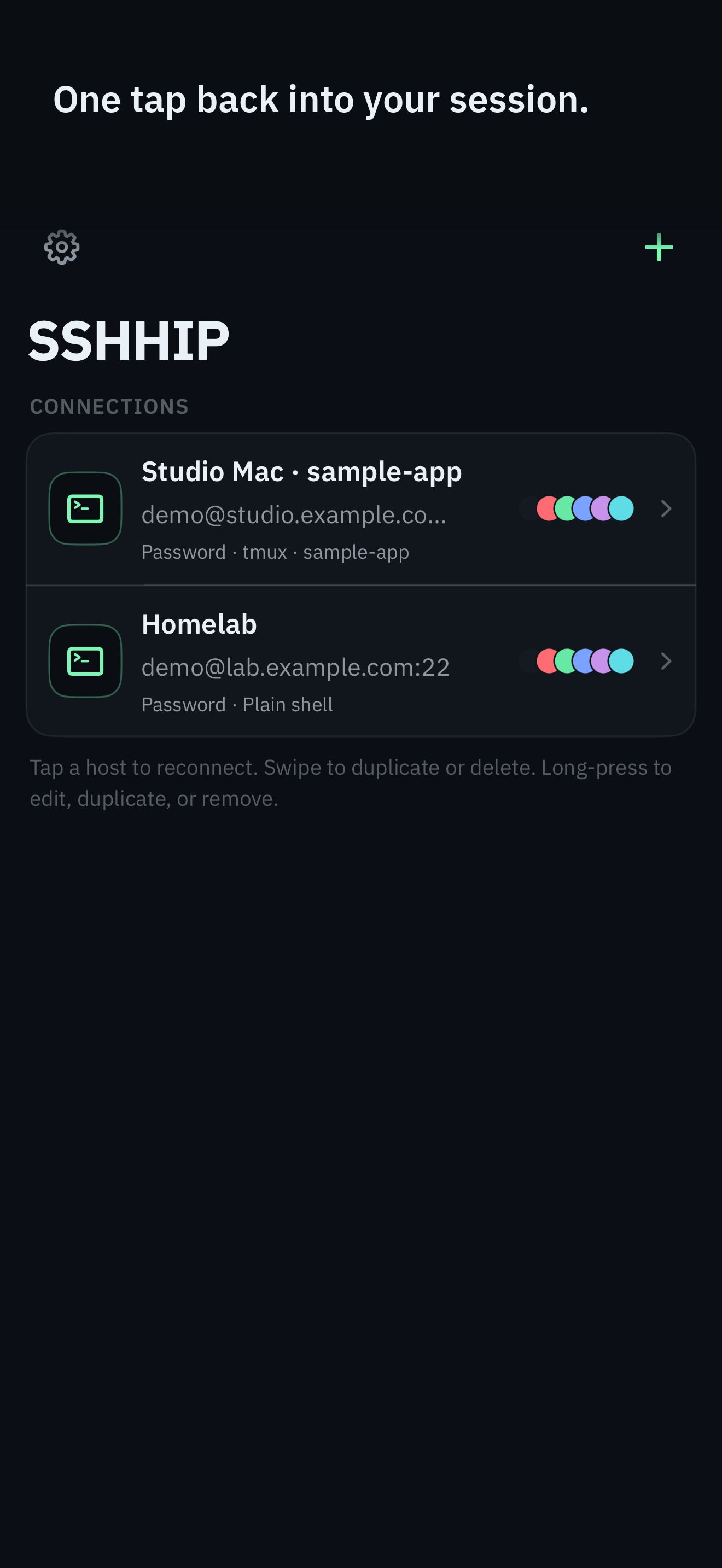
4. Save the host once in SSHHIP
Use the MagicDNS name or tailnet IP. Prefer Automatic authentication when the server can accept
keyless or key-based auth without a stored password. Automatic hosts are allowed to reach SSH negotiation so
none and configured keys can be offered before any password prompt.
Host example
  Hostname mac-mini.tailnet-name.ts.net
  User you
  # In SSHHIP: Auth method = Automatic
  # Startup: attach tmux/herdr session "agent"
5. Add a fallback endpoint if you are sometimes on the same LAN
A saved host in SSHHIP can carry an ordered list of endpoints. The primary is tried first; each fallback is tried in turn, and only if the previous one failed for a reachability reason - a timeout, a DNS failure, a refused connection, or an unreachable network. Put the LAN address first and the tailnet name last, so that at home you connect over the local network and everywhere else you fall through to the tailnet.
Order matters more than it looks. Only the last endpoint gets an extended patience window, which is exactly what an on-demand VPN route needs while it is still coming up. An endpoint that is already reachable connects with no added delay, so a list does not cost you anything at home.
Trust is per endpoint and is never inherited. A fallback address you have not used before prompts for its host key exactly like a first connection, and a host-key mismatch, a rejected key, or an auth failure aborts the whole attempt instead of quietly moving to the next address. Falling through can only ever happen because something was unreachable, never because something was suspicious.
6. Attach a multiplexer, do not re-run the agent
Every reconnect should reattach. If each phone open starts a new agent process, you will fight yourself. Pair this guide with the Claude Code guide for the two failure modes that show up only after connectivity works. Once attached, SSHHIP's Command Dial is the control surface - multiplexer actions, common keys, snippets, voice - so most of the session never needs the software keyboard.
7. What happens when the phone sleeps
The phone will drop. That is normal. With tmux/herdr on the host, reconnect-and-reattach is lossless. Default transport is automatic: Mosh first, with typed fallback to SSH, so a network change can roam over Mosh. An explicit SSH host stays reconnect-and-reattach.
Related
Save the host once
Automatic auth, one-tap attach, lifetime unlock after one month.